
eSIM, roaming and actually staying reachable in Makkah
Why your home roaming plan fails at the worst moment, what an eSIM does and does not solve, and the settings to change before you fly.
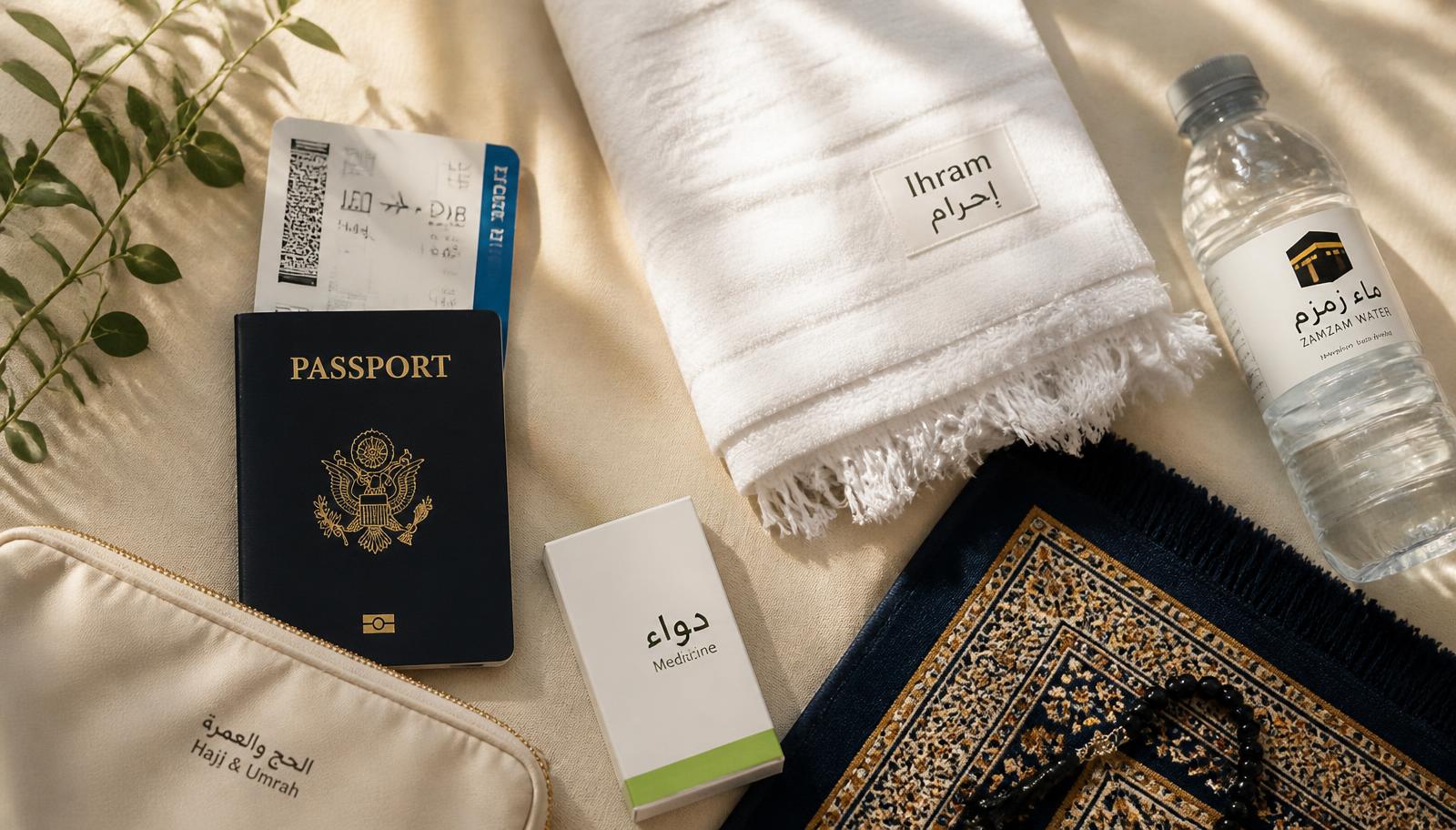
Every season, thousands of pilgrims discover that the roaming bundle they bought at the airport delivers a usable connection everywhere in Saudi Arabia except the two places they need it most.
Why roaming fails specifically at the Ḥaram
Roaming traffic is lower priority than home-network traffic on a congested cell. When a sector is oversubscribed, the visiting handset is deprioritised first. Your phone is not broken; it is politely at the back of the queue behind two hundred thousand local subscribers.
What actually helps
- A local eSIM makes you a home subscriber on that network, which removes the deprioritisation.
- Install and activate the eSIM before you fly; activation requires a working connection you will not have on arrival.
- Keep your home SIM enabled for calls and SMS — banks and airlines still send codes there.
- Turn off automatic app updates and cloud photo backup, which will otherwise consume the bundle in a day.
- Set your messaging app to lowest-quality media upload; a family group sharing video will exhaust any plan.
Plan for having no signal at all
Agree meeting points, not phone calls. Write the hotel name and district in Arabic on a card in the wallet. Save offline maps. Take a photograph of the group each morning so that, if you must describe someone, you can show them instead.
“Assume the phone will fail for two hours at some point. Every arrangement should survive that.”
Last updated 17 March 2026